




01
Drop the roll
All of it — the blurry ones, the duplicates, the forty-shot sunset. Aura reads every frame so you don't have to scroll.
The keeper edit · for Instagram
Drop in the whole camera roll. Aura finds the frames worth posting, grades them into one look and writes the caption — without your photos ever leaving your device.
Your photos never leave your device
How it works
Aura does the part of posting nobody enjoys — the choosing — with the patience of a photo editor and none of the second-guessing.
01
All of it — the blurry ones, the duplicates, the forty-shot sunset. Aura reads every frame so you don't have to scroll.
02
Every photo gets an AuraScore from 0 to 100 for light, sharpness and composition. The keepers rise; the near-misses fall away.
03
Pick a vibe and it sets the grade. Every keeper is colour-matched, so the carousel reads as one story instead of five.
04
Sequenced for the swipe, cropped to Instagram's 4:5 and captioned in your vibe. Copy, share, done.
Private by design
A camera roll is the most personal thing on your phone. Aura was built so it never has to leave it.
Scoring, grading and cropping run in your browser, on your phone or laptop. Your photos are never uploaded — there is no upload step at all.
Captions are written from text alone — your vibe and a few words about the set. Your images are never sent to write them.
Open it and begin — no sign-up, no ad trackers. Sign in only if you want your curation history (captions, scores and a small cover thumbnail) on your other devices.
Photos uploaded
Vibes, each with its own grade
Instagram-ready crops
To start, in any browser
The look
Nine posts, one light. The difference between a feed and a camera roll is the edit — and the edit can be learned.
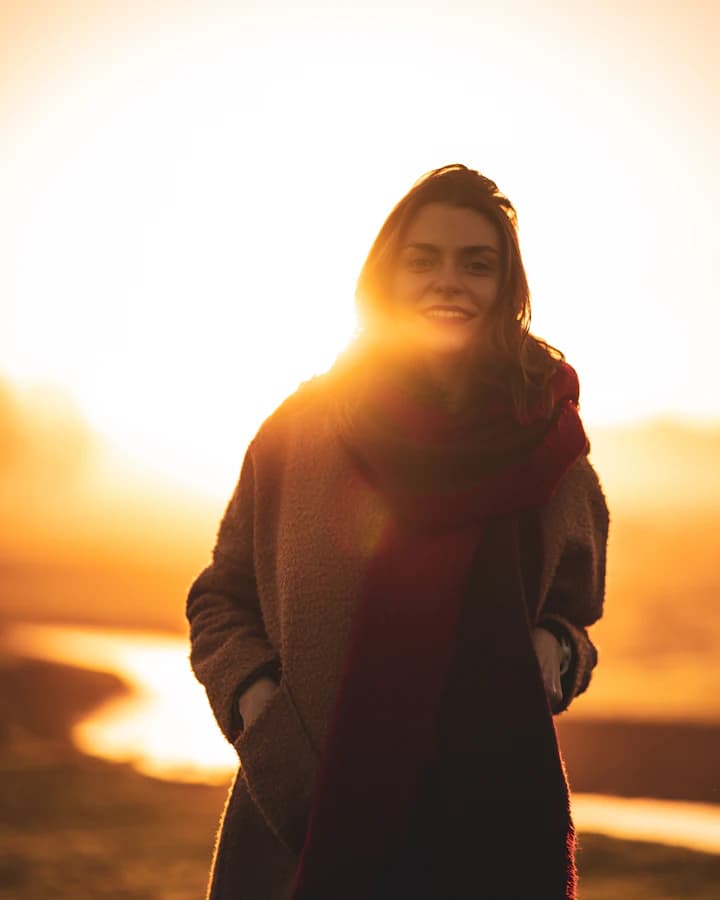
ines.frames
golden hour, mostly · porto → lisbon



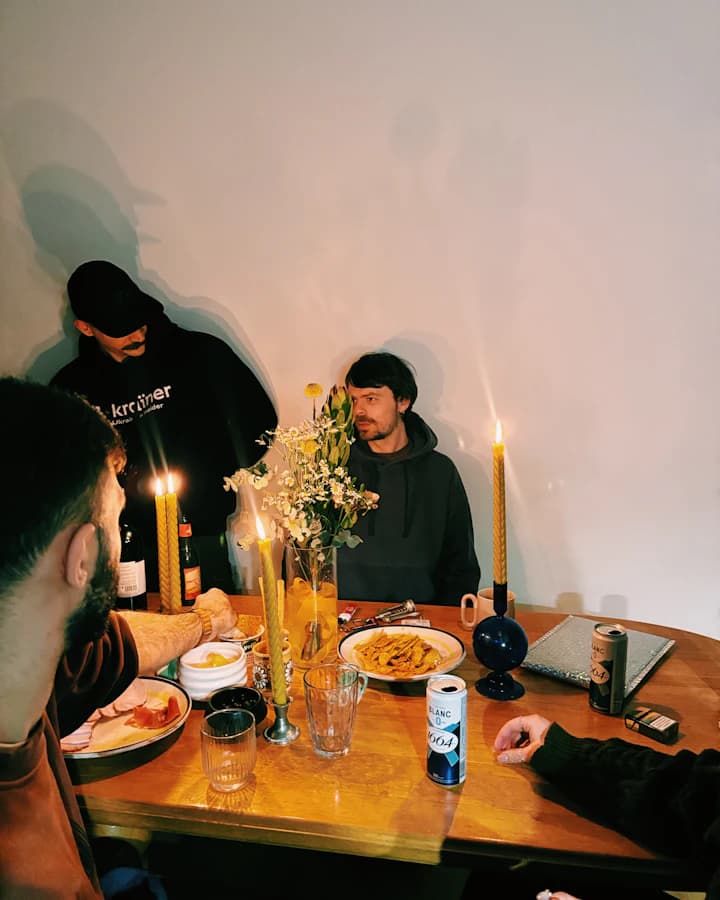
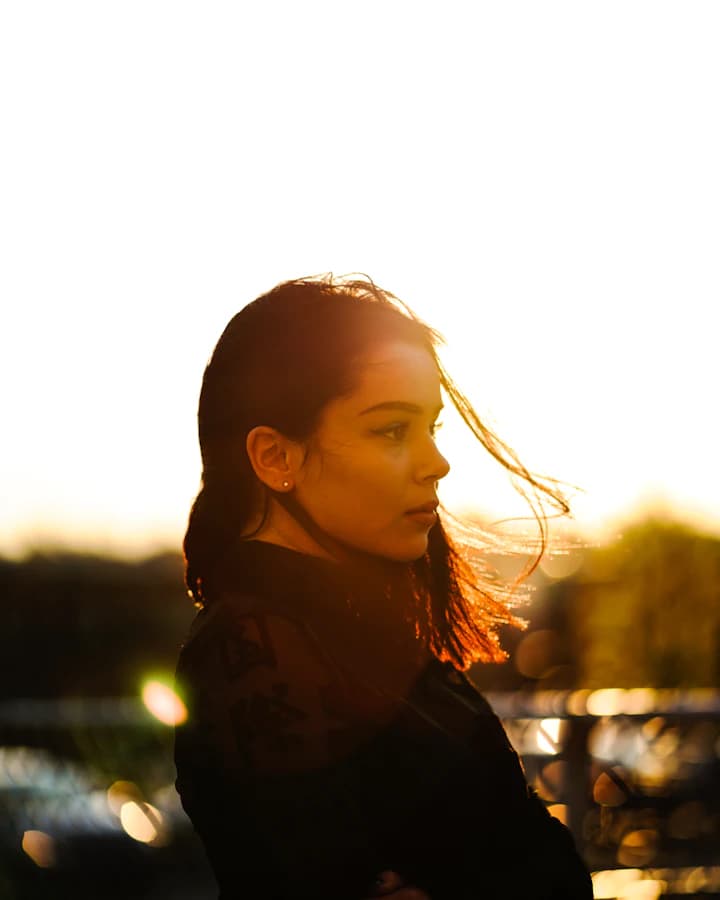
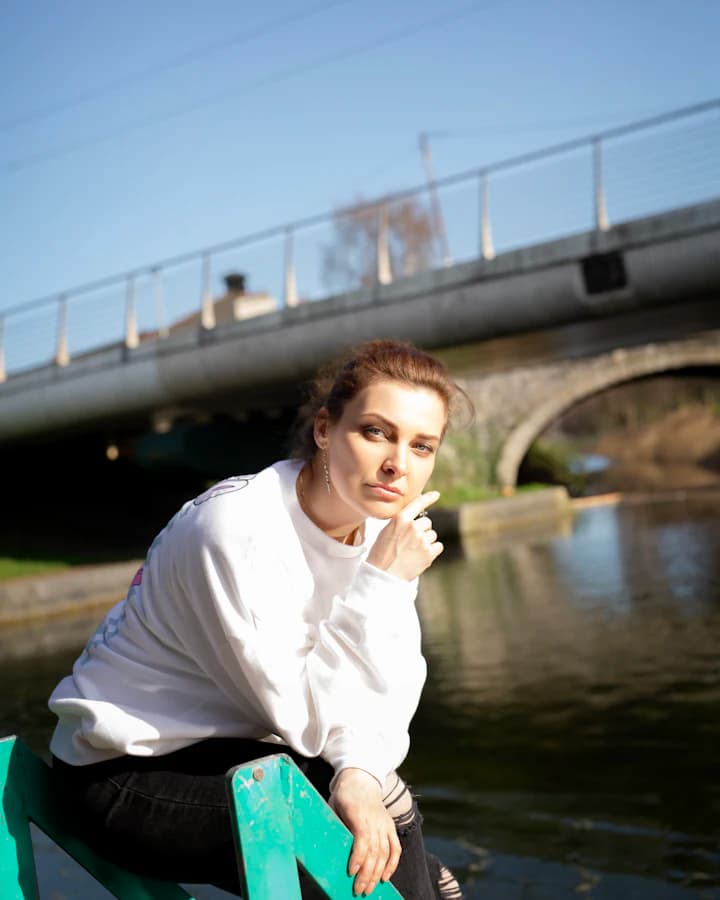

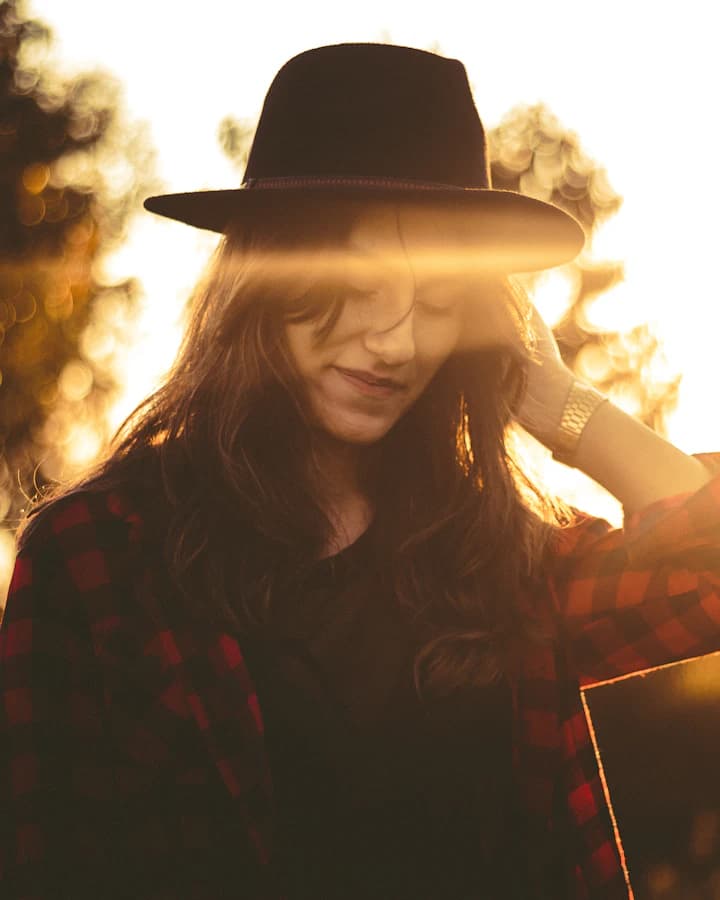

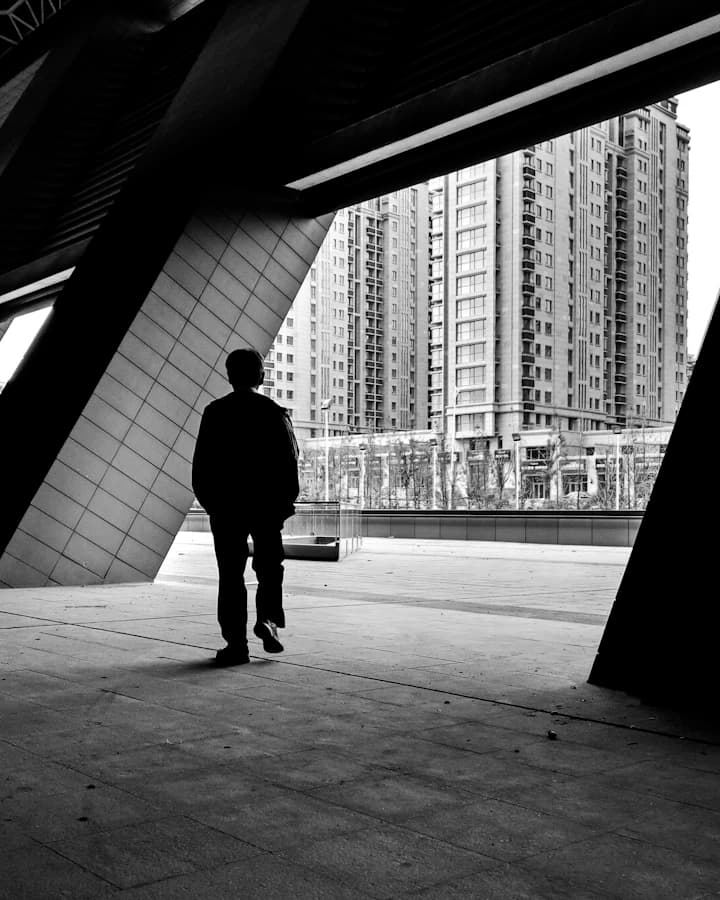
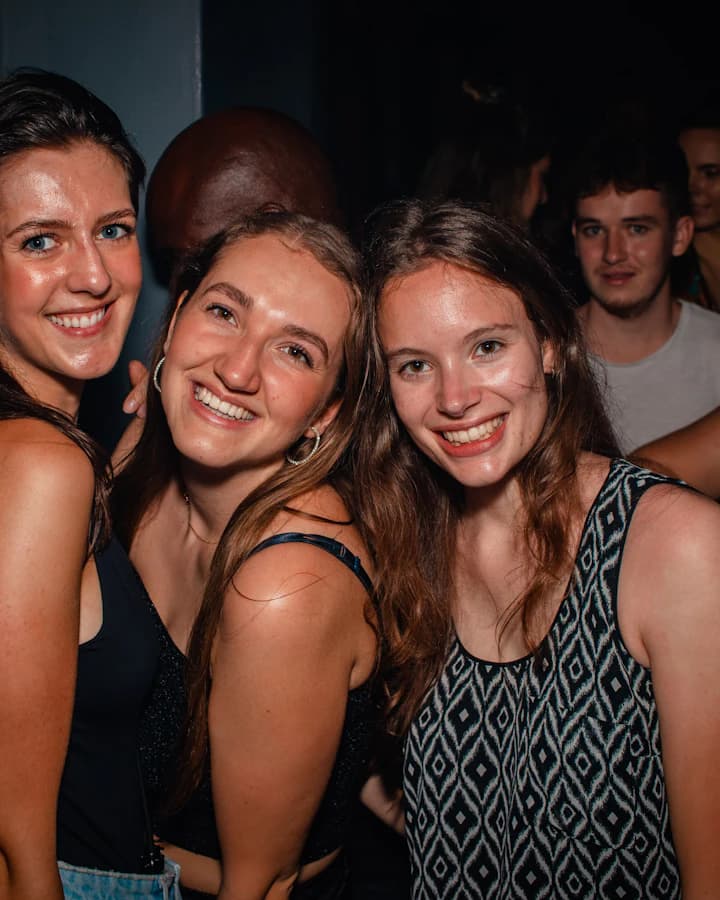
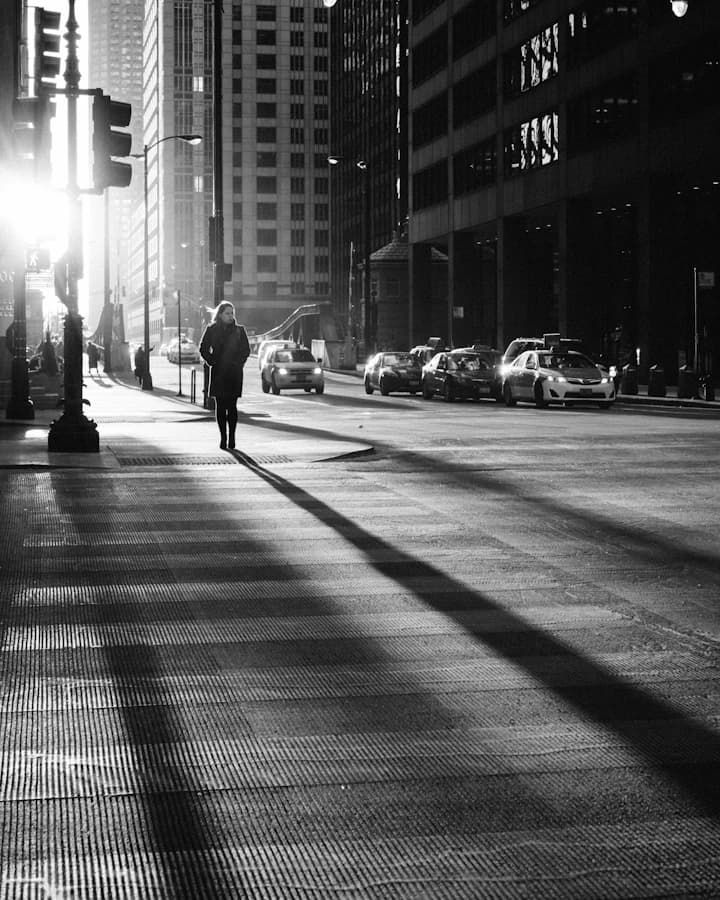
after.dark.edit
after dark · one grade, every post







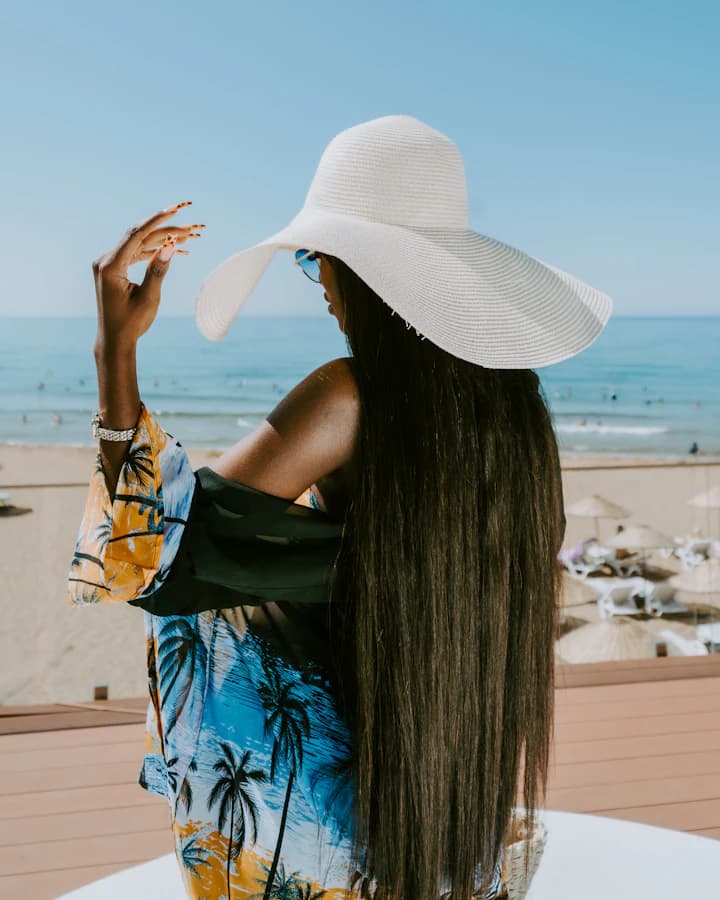
saltandslow
salt, sun, slow mornings







Example feeds · illustrative
Guide
Two hundred frames in. The five worth posting out — and how to tell them apart.
Explore →Guide
Fourteen dumps that look designed, not random — each shown finished.
Explore →Guide
The first line under the photos. Original, short, tap to copy.
Explore →Your next dump
Free to start · Works in your browser · Photos never leave your device